





- 01
The Biggest Android Update Ever? Breaking Down Android 17, Gemini AI & Google’s Bold New Vision
The Biggest Android Update Ever? Breaking Down Android 17, Gemini AI & Google’s Bold New Vision
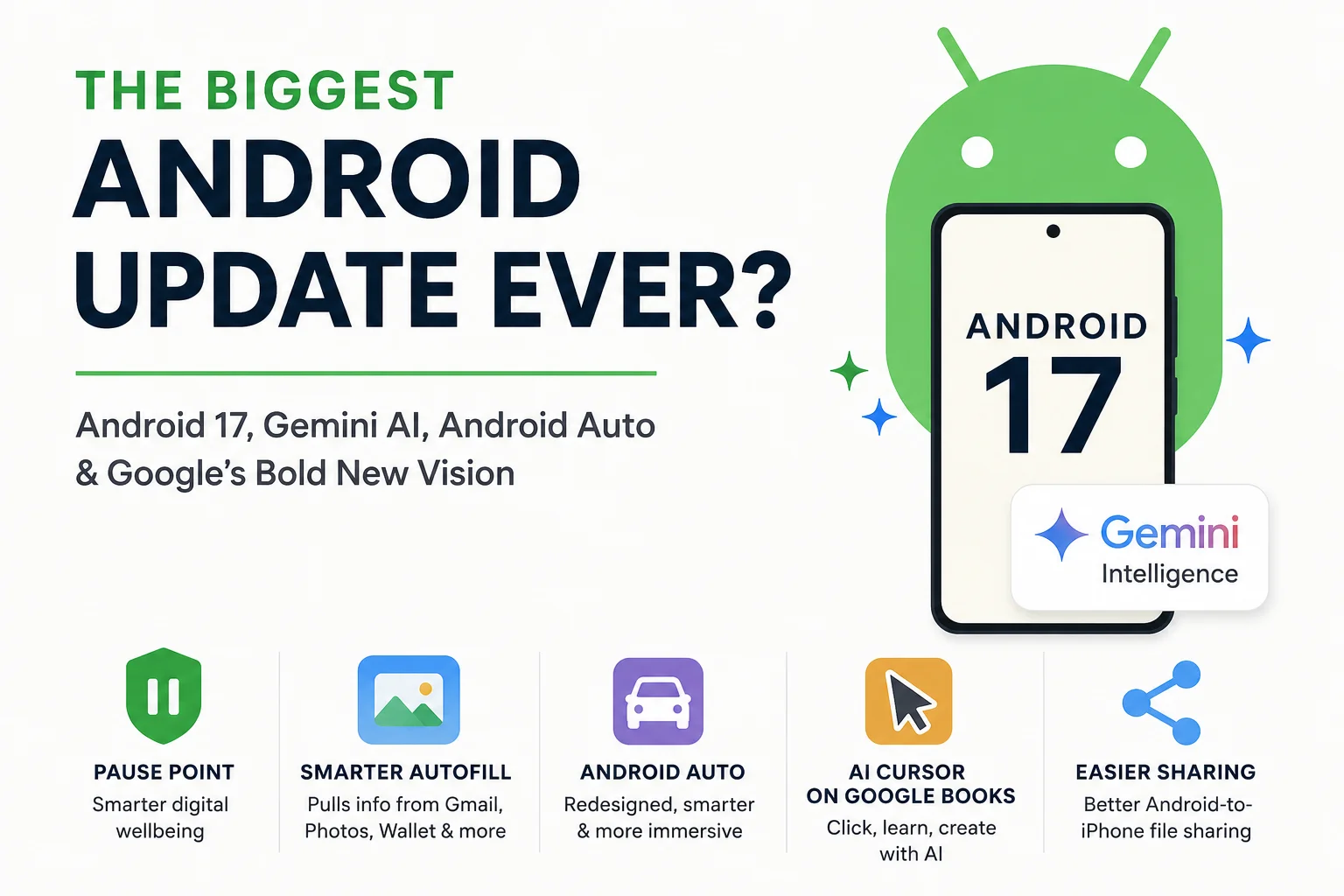
Google has officially unveiled what it calls the “biggest Android update ever.” That’s a massive claim — especially in a world where smartphone updates have become increasingly incremental over the years.
But this time, Google isn’t just updating Android. It’s reshaping the entire ecosystem with Android 17, deeper Gemini AI integration, a redesigned Android Auto, smarter automation features, and even a completely new category of AI-powered laptops called Google Books.
Some features look genuinely useful. Others feel overhyped. And a few raise serious questions about how much trust we should place in AI making decisions for us.
Here’s everything announced — what’s exciting, what’s questionable, and what could actually change the way we use Android.
Android 17: Smarter, More Personalized, More AI-Driven
Unlike some previous Android versions, Android 17 doesn’t introduce a dramatic visual redesign. Instead, Google focused heavily on AI-powered convenience and personalization.
The result is an Android experience that feels more intelligent — though not always in ways everyone will appreciate.
Gemini Gets a Major Redesign
Google’s AI assistant, Gemini, is now deeply woven into Android 17.
The updated Gemini interface features:
- A cleaner visual design
- Animated “sparkly” effects
- Blur transitions during loading
- Stronger system-wide integration
Google is now branding much of this experience as “Gemini Intelligence.”
The idea is simple: Gemini should understand more about you across Google services and proactively help complete tasks.
That means Gemini can pull information from:
- Gmail
- Google Photos
- Google Wallet
- Calendar
- Maps
- Other connected Google apps
This turns Android into a much more context-aware operating system.
Smarter Autofill Could Save Huge Amounts of Time
One of the most practical updates is Android’s improved autofill system.
Instead of only filling basic details like:
- Name
- Address
- Phone number
Android 17 can now intelligently retrieve information from your Google ecosystem.
Example:
If a form asks for your passport number, Gemini could detect a passport image stored in Google Photos and automatically fill the information for you.
That removes the need to:
- Open Photos
- Search for the image
- Copy details manually
- Return to the form
This is exactly the kind of AI integration that feels genuinely useful rather than gimmicky.
New Creator Tools Built Directly Into Android
Google is also bringing creator-focused features directly into Android.
These include:
Screen Commentary Tools
Users can now cut themselves out and speak over content on their screen — similar to the popular formats used on:
- Instagram Reels
- TikTok
- YouTube Shorts
Better Image Processing
Android is improving compatibility with advanced image processing pipelines, helping photos compete more directly with iPhone camera systems.
AI “Smart Enhance”
Google introduced a new enhancement tool promising to reveal “breathtaking detail and clarity.”
However, reactions may be mixed.
The showcased before-and-after examples appeared significantly brighter but also flatter, reducing natural shadows and contrast. While technically more detailed, some users may feel the images lose realism and depth.
This reflects a growing debate in smartphone photography:
Are AI-enhanced photos becoming too artificial?
Pause Point: Google’s New Approach to Digital Wellbeing
One surprisingly interesting feature is called Pause Point.
Instead of simply limiting app usage like traditional screen-time tools, Pause Point interrupts your behavior before you open distracting apps.
When launching apps like social media, Android may ask:
- “Is this really how you want to spend your time?”
- “Would you prefer doing something else?”
It can also:
- Show your current usage time
- Suggest alternative apps
- Display personal photos as reminders
- Encourage short mindfulness moments
Whether it actually reduces screen addiction remains to be seen, but it’s certainly a fresh approach compared to standard app timers.
Rambler: AI-Powered Speech-to-Text
Google also revealed an upgraded speech-to-text system called Rambler.
Rambler improves dictation by removing filler words such as:
- “Um”
- “Uh”
- “Like”
The result is cleaner, more coherent text output that feels more polished and professional.
For content creators, professionals, and students, this could become a genuinely valuable productivity tool.
Gemini Intelligence: The Most Ambitious — and Controversial — Feature
The biggest focus of Google’s presentation was clearly agentic AI.
This means Gemini won’t just answer questions — it will actively perform actions on your behalf.
Google showcased a demo where a user:
- Takes a photo of a concert poster
- Messages a friend
- Confirms they want to attend
- Presses a single button:
“Book two floor seats”
Then Gemini automatically purchases the tickets.
Sounds futuristic.
But also slightly terrifying.
The Problem With One-Click AI Purchases
This demo raised immediate skepticism for many viewers.
Questions naturally arise:
- What if AI selects the wrong date?
- Wrong venue?
- Wrong ticket tier?
- Unexpected pricing?
- Non-refundable purchases?
Even Google later clarified there would likely be additional checkout steps not shown in the promotional video.
That distinction matters.
Because right now, many users simply do not trust AI enough for fully autonomous purchases.
And honestly, that skepticism feels reasonable.
AI-Generated Custom Widgets Could Be a Huge Win
One of the smartest ideas announced was AI-generated widgets.
Instead of manually creating widgets and configuring layouts, users can simply describe what they want.
Example:
“Create a travel widget showing:
- flight info
- weather
- hotel details
- itinerary reminders”
Gemini then builds the widget automatically.
This perfectly matches Android’s biggest strength:
Deep customization without requiring technical expertise.
For power users and casual users alike, this feature has massive potential.
Android Auto Gets a Massive Upgrade
Android Auto also received one of its largest updates in years.
The redesign focuses heavily on usability, navigation clarity, and multimedia.
A More Modern Navigation Experience
The new Android Auto interface now includes:
- Enhanced lane guidance
- Building silhouettes
- Better overpass visualization
- Improved route readability
- Fully customizable side widgets
The design appears heavily inspired by the clean visual style often praised in Apple Maps.
And honestly, it looks significantly better.
Full-Screen YouTube in Your Car
One of the most surprising features:
You can now watch full-screen YouTube videos directly on your car display while parked.
This is especially useful for EV owners waiting during charging sessions.
Even more interesting:
When driving begins, the video transitions into background audio playback automatically.
Though this raises practical questions:
- How accurately can the car detect driving state?
- Will this require YouTube Premium?
- How seamless will the transition really be?
Still, the concept is impressive.
Better Android-to-iPhone File Sharing
Google is also expanding cross-device sharing support between Android and Apple devices.
This could finally make transferring files between:
- Android phones
- MacBooks
- iPhones
- Tablets
much easier and more reliable.
That’s a feature many users have wanted for years.
Google Books: Google’s New AI Laptop Category
Perhaps the most unexpected announcement was Google Books.
Despite the name, these are not e-readers.
They’re essentially next-generation AI-powered Chromebooks.
Manufacturers include:
- HP
- Dell
- Lenovo
- Acer
- ASUS
The AI Cursor Might Actually Be Brilliant
The standout feature is an AI-enabled cursor.
Users can:
- Hover over images for instant AI analysis
- Combine multiple images into new creations
- Select text for AI-generated replies
- Interact with Gemini directly from anywhere
This is a clever idea because the cursor is something every computer user already understands.
Instead of opening separate AI apps, AI becomes integrated into the operating system itself.
That could genuinely improve usability.
The RGB Glow Bar Is Pure Gamer Energy
Google Books also feature a glowing RGB light bar on the back.
It looks futuristic and stylish, though Google hasn’t fully explained its practical purpose yet.
Potential uses could include:
- Battery indicators
- Notifications
- Status alerts
- Charging progress
Or it may simply exist because it looks cool.
What Actually Feels Useful?
After all the hype, some features genuinely stand out:
Most Promising Features
- Smarter autofill
- AI-generated widgets
- Improved Android Auto
- Better dictation tools
- Easier automation setup
- Cross-device sharing improvements
Most Questionable Features
- Fully autonomous AI purchases
- Overprocessed AI photo enhancements
- Heavy reliance on personal data integration
Final Thoughts: Android Is Becoming an AI Operating System
This update makes one thing very clear:
Android is no longer just a mobile operating system.
Google wants Android to become a fully AI-driven personal assistant ecosystem.
Some parts of that future feel incredibly convenient.
Others still feel unfinished, overpromised, or potentially risky.
The smaller, practical features may ultimately matter far more than the flashy AI demos.
Because while AI buying concert tickets for you sounds futuristic…
AI helping you fill forms faster, organize widgets intelligently, and improve daily workflows is what users will probably appreciate most.
And that’s where Android 17 may actually succeed the most.

I craft sharp reels, video reviews,technology updates, latest developments and trend analyses,known for deep research, clear insights, and compelling sforytelling across the latest in film and pop culture.